Payer Overview
Administration > Payer
Centers have the option of whether or not to Standardize Payer Codes in HST Practice Management. This setting is found in Administration > Configuration > Enterprise Configuration and is set up by HST Implementation or Support when the database is built.
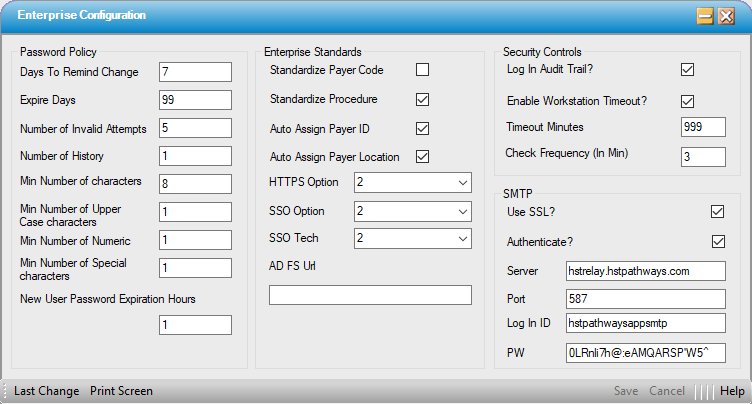
Independent centers often choose not to Standardize Payer Codes, in which case Payers can be created and configured under the Administration > Payer > Payer heading (as seen below).

Larger organizations often choose to Standardize Payer Codes When this setting is selected, the permissions for creating and maintaining payers are separated from those for configuring payers, and they are seen and accessed as two separate menu options as seen below This allows the payers to be created and maintained at the organizational or corporate level so that they are standardized throughout the organization. This in turn enhances reporting at the organizational/corporate level as it minimizes the risk of having multiple payer names for the same carrier. (Example: Without this control the same payer could be entered with a different name at every center: BC of TX HMO, Blue Cross of TX HMO, Blue Cross of Texas HMO, etc.. )
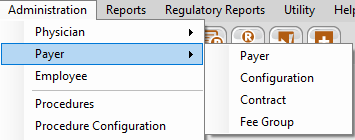
Also configurable under the Payer Menu heading are: